
Digital Security Habits That Protect Travelers on Public Wi-Fi
Open networks at airports and cafes carry real risks. Understand what makes public Wi-Fi vulnerable and what precautions travelers commonly take.
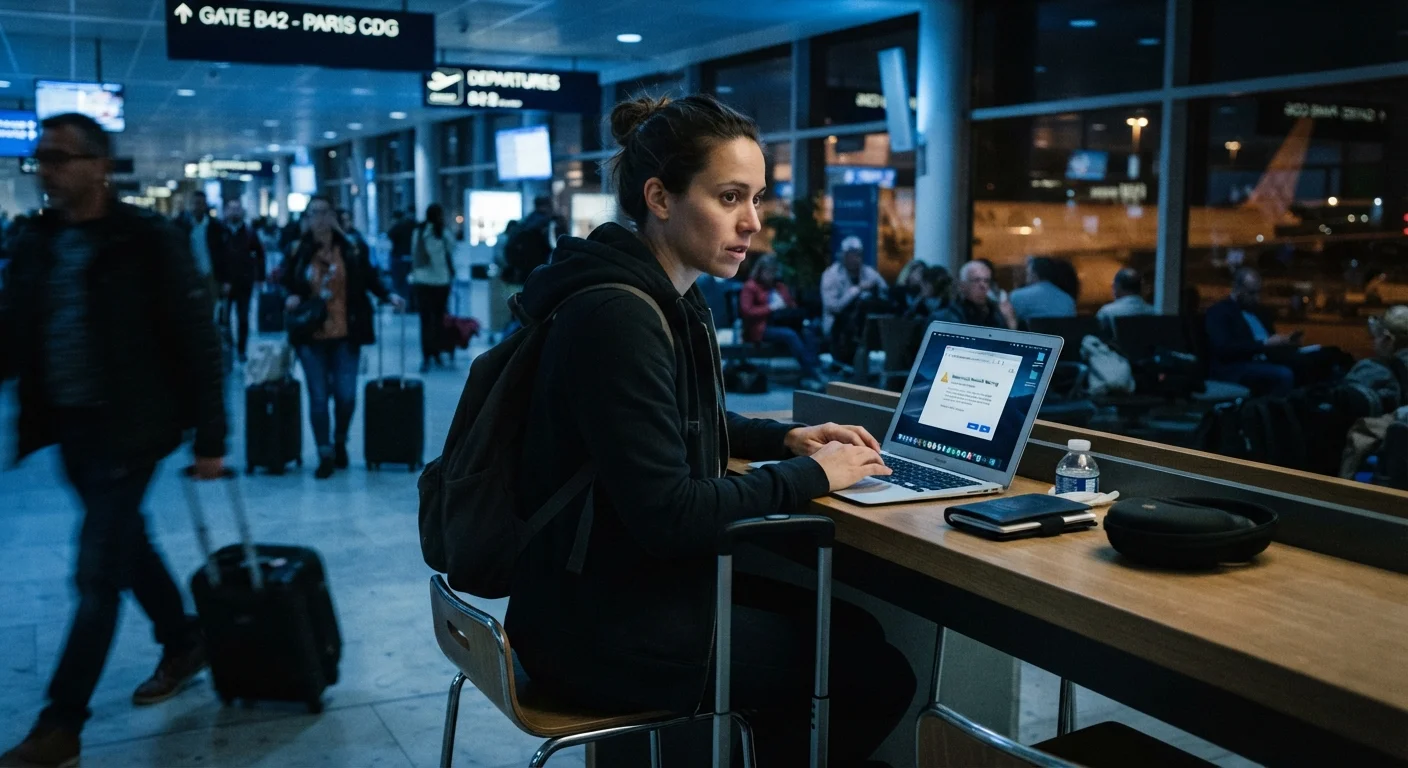
Photo: SummarizedReads.net | Just Read It! editorial
—— In This Article
Key Takeaways
- Public Wi-Fi networks are often unencrypted, making data interception easier for bad actors.
- A VPN (Virtual Private Network) encrypts your traffic and is widely used by security-conscious travelers.
- Avoid logging into banking or sensitive accounts on open networks whenever possible.
- Mobile data or a personal hotspot is generally a more secure alternative to public Wi-Fi.
- Keeping devices updated and using two-factor authentication adds meaningful protection layers.
Why Public Wi-Fi Carries Real Risk
Free Wi-Fi at airports, hotels, and cafes is one of travel's great conveniences — and one of its more overlooked risks. Open networks typically lack encryption, meaning data you send and receive can potentially be intercepted by others on the same network. This is commonly done through a technique called a MitM attack, where a third party positions themselves between your device and the network.
Another common threat is the "evil twin" — a rogue Wi-Fi hotspot set up to mimic a legitimate network name, such as "Airport_Free_WiFi." Connecting to one of these gives an attacker a direct window into your traffic. These aren't hypothetical scenarios; cybersecurity researchers routinely demonstrate them at conferences and in controlled studies.
For travelers, the stakes extend beyond inconvenience. Compromised login credentials, exposed financial data, or intercepted email can cause problems that follow you home. Being aware of how these risks work is the first step toward managing them. See our travel safety fundamentals guide for a broader look at on-the-road preparedness.
Proven Practices That Reduce Your Exposure
You don't need to be a security expert to travel more safely online. The habits below are widely recommended by cybersecurity professionals and are straightforward to implement before or during a trip.
Use a VPN whenever you connect to public Wi-Fi
A Virtual Private Network (VPN) encrypts your internet traffic, making it significantly harder for others on the same network to intercept your data. It also masks your IP address, adding a layer of anonymity. VPNs are widely available and work across phones and laptops.
Avoid accessing banking or financial accounts on open networks
Financial accounts are high-value targets. Even on a secured connection, unnecessary access creates exposure. Logging into your bank through public Wi-Fi increases the chance of credential theft, especially if the network is poorly secured or spoofed.
Verify the exact network name with staff before connecting
Evil twin attacks rely on travelers connecting to a convincing but fake network. Asking a staff member for the exact network name and password takes 30 seconds and eliminates that risk.
Enable two-factor authentication (2FA) on key accounts before travel
2FA adds a second verification step — typically a code sent to your phone — so that a stolen password alone isn't enough to access your account. It's one of the most effective account protections available.
Use your phone's mobile hotspot instead of public Wi-Fi when handling sensitive tasks
Mobile data connections are generally more secure than open Wi-Fi because they use cellular encryption rather than shared network infrastructure. For brief but sensitive tasks, a personal hotspot is a practical alternative.
Keep your device's operating system and apps updated
Software updates frequently patch known security vulnerabilities. Traveling with an outdated OS or apps leaves doors open that attackers can exploit. Updates are most safely done on trusted home or hotel networks before departure.
Quick Actions You Can Take Before You Leave
Most effective digital security starts before you board the plane. A few minutes of preparation at home can meaningfully reduce your vulnerability while abroad.
A Note on VPN Limitations
VPNs encrypt your traffic but are not a complete security solution. They don't protect against phishing attacks, malware you might download, or weak passwords. Some countries also restrict or regulate VPN use — check the laws of your destination before traveling. This article is for general informational purposes and is not a substitute for personalized cybersecurity advice.
Keeping the Bigger Picture in Mind
Digital security is one layer of a broader travel safety mindset. Just as you'd stay alert on unfamiliar public transit — a topic covered in our guide to staying safe on public transport — staying alert online follows similar principles: know your environment, limit unnecessary exposure, and have a backup plan.
If your accounts or devices are ever compromised while traveling, having your emergency contacts and document backups accessible matters. Our emergency contacts and documents guide outlines what experienced travelers keep ready for exactly these situations.
25%
Public hotspots with no encryption
According to a global Wi-Fi security report by a major cybersecurity firm, roughly one in four public hotspots worldwide operates without any encryption.
81%
Breaches linked to weak or stolen credentials
Verizon's Data Breach Investigations Report has consistently found that a large majority of hacking-related breaches involve compromised credentials.
No security measure is foolproof, and no article can guarantee your data will stay private. What these habits do is raise the effort required to target you — and most opportunistic attacks follow the path of least resistance.

Travel Editorial Team
Travel Editorial Team is the collective byline for our editorial team and contributor network. Articles published under this byline or an editorial pen name are researched, written, and reviewed according to our editorial standards for clarity, consistency, and independence before publication.
View author profile